Manually
Libraries
To manually update libraries on the device, you need to enable writing to the device from USB storage. You can do so by holding SW4 while the device is booting up.
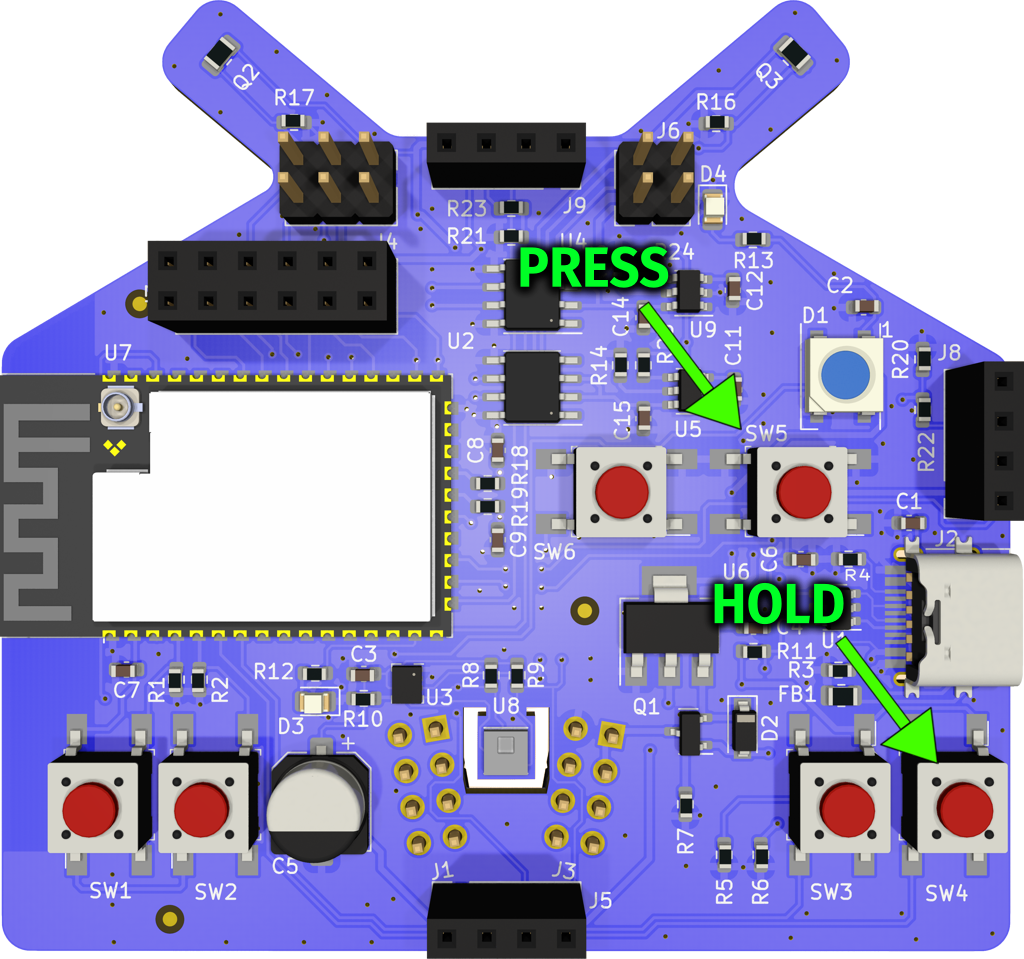
After the device is in USB writeable mode, download the library zip. Copy the zip contents on the device.
note
You should wait a bit after transfering the files on to the device to make sure the device has flushed it's cache buffers to it's internal storage.